

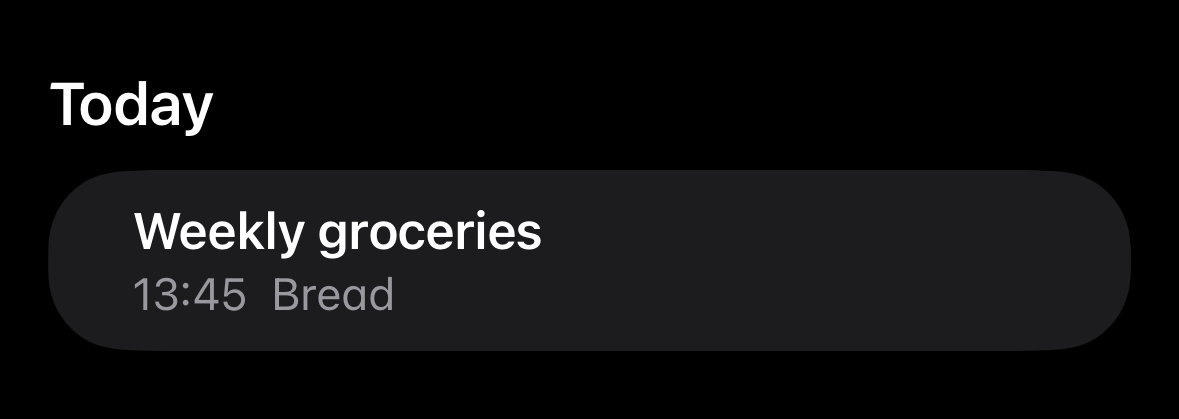
You scribble a grocery list in Apple Notes. You head to the store. By the time you're in produce, you're already cross-checking your phone, manually re-typing every line into a "shopping list app" that has zero clue what you actually wrote down.
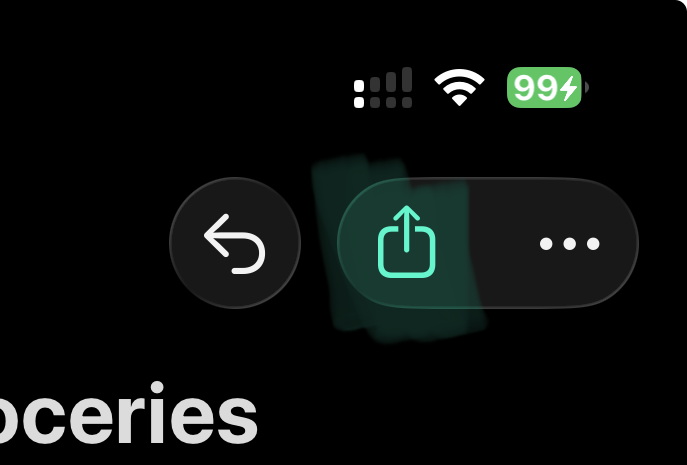
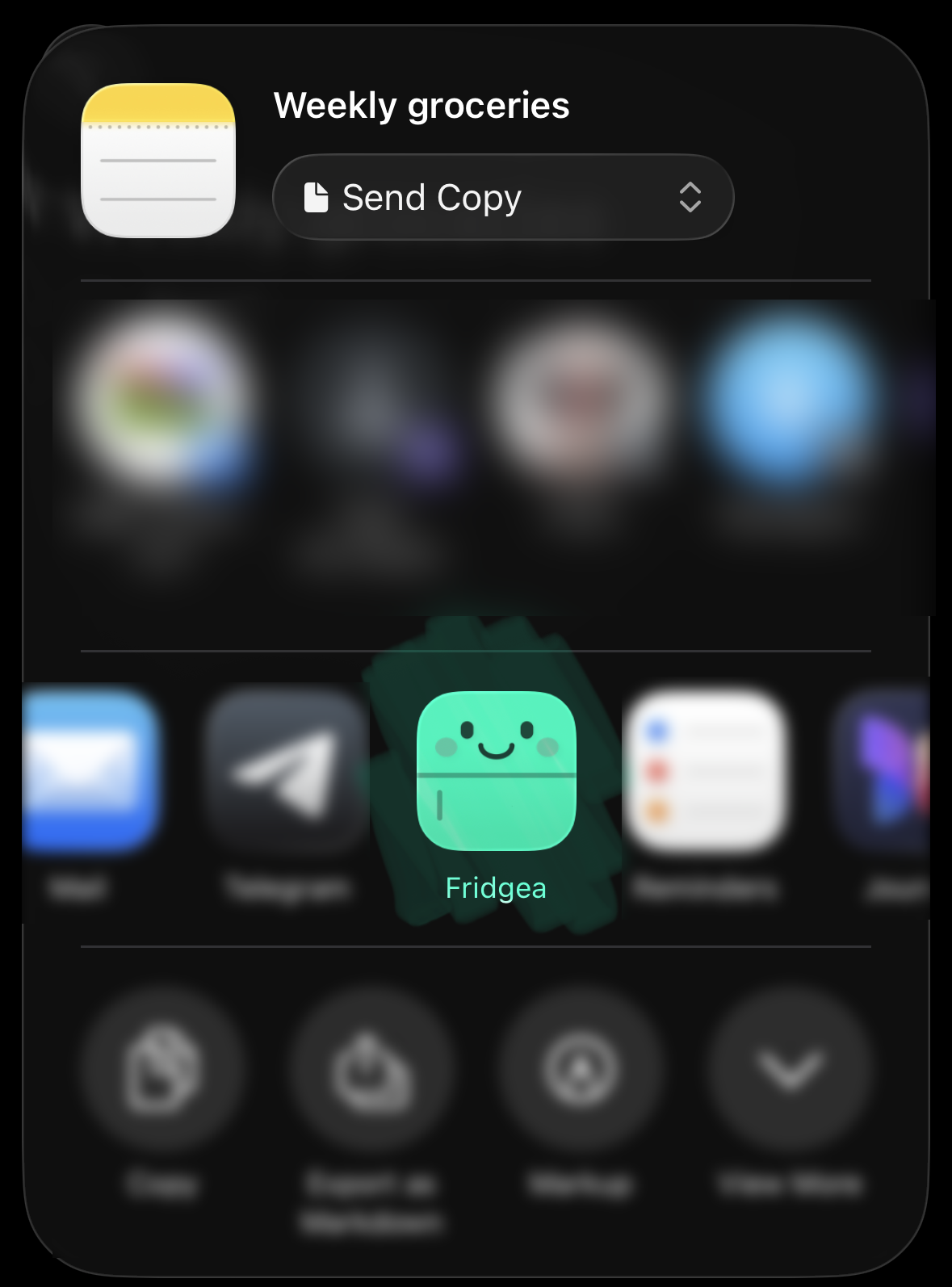
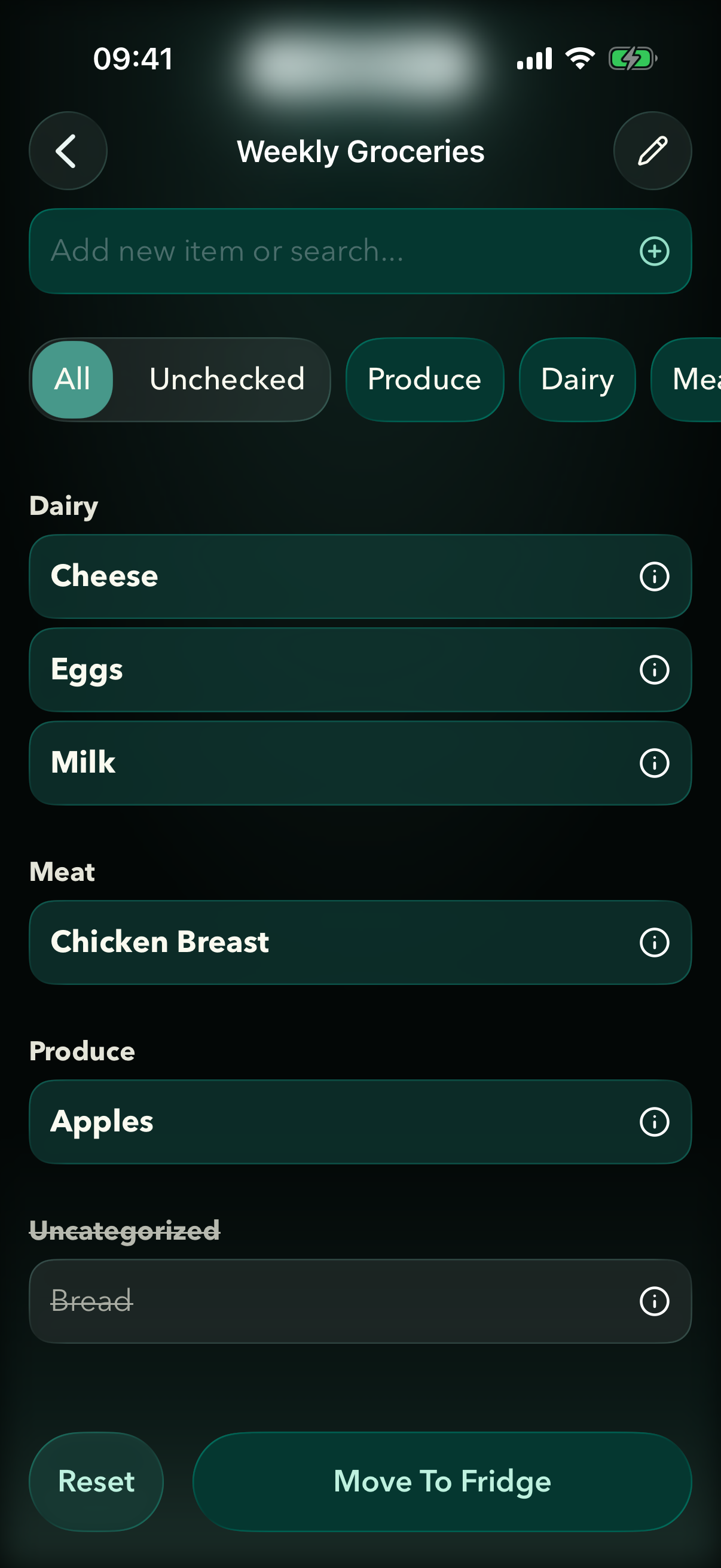
Fridgea cuts that loop. Tap Share in Notes, pick Fridgea, and your list is in the app — grouped by category, quantities preserved, ready to check off.
Why we built this
We watched real users (ourselves included) keep doing the same dance: shopping list in Notes, fridge inventory in Fridgea, no connection between them. Every dedicated "shopping list app" wants you to re-type your habits from scratch. Most people don't bother. They keep using Notes. The list never gets shared, the items never get tracked.
So we asked: what if you didn't have to change anything? What if the list you already write — in Notes, in your normal handwriting, with the bullets and headings you already use — just worked?
The result is the share extension that opens this post.
How the import works
When you tap Share → Fridgea, the extension reads the text content of the note and walks through it line by line. It looks for three things:
-
Headings. A line that ends with
:(Produce:,Dairy:) or a bare line followed by bulleted items becomes a category. Items below it inherit that category. -
Bullets. Lines starting with
-,•,*, or Notes' built-in checklist boxes are treated as items. The bullet glyph gets stripped — including the invisible Unicode private-use characters Notes uses for unchecked checkboxes. -
Quantities. Numbers at the start (
2 milk) or end (milk x2,milk 500g) get parsed against a unit whitelist (g,kg,ml,l,pcs, etc.) and pulled out as a separate quantity field.
You see a preview before anything is imported. Each row has a toggle (include / skip), an editable title, and a stepper for quantity. You can also pick which Shopping List to add to — by default, a new list pre-filled with the note's title.
What it's good at — and what it isn't
It works great with the lists most people actually write:
- Bulleted lines with one item per line.
- Optional category headings.
- Light quantity notation.
It doesn't try to be a natural-language parser. A run-on sentence like "I need to remember to buy 2 milks and also the eggs from that place near the bakery" won't get cleanly broken apart — and frankly, you wouldn't write that in a shopping list anyway.
Try it
If you keep grocery lists in Notes, this is the fastest way to get them into Fridgea. Once they're in, you get the rest of the app for free: expiry tracking, family sharing on Pro, AI recipe suggestions from what you actually own.
Two taps. No retyping.